

Your pets' complete health history — in one place
A free tracker for anyone who wants to remember everything important about their animals
Free. No ads. No credit card required.
Works like an app — how to install it
Made by a pet owner, for pet owners
A health record your pet keeps for life.
Visits, vaccines, treatments, meds, lab tests, symptoms, weight — one timeline that belongs to you and moves with you to any vet.
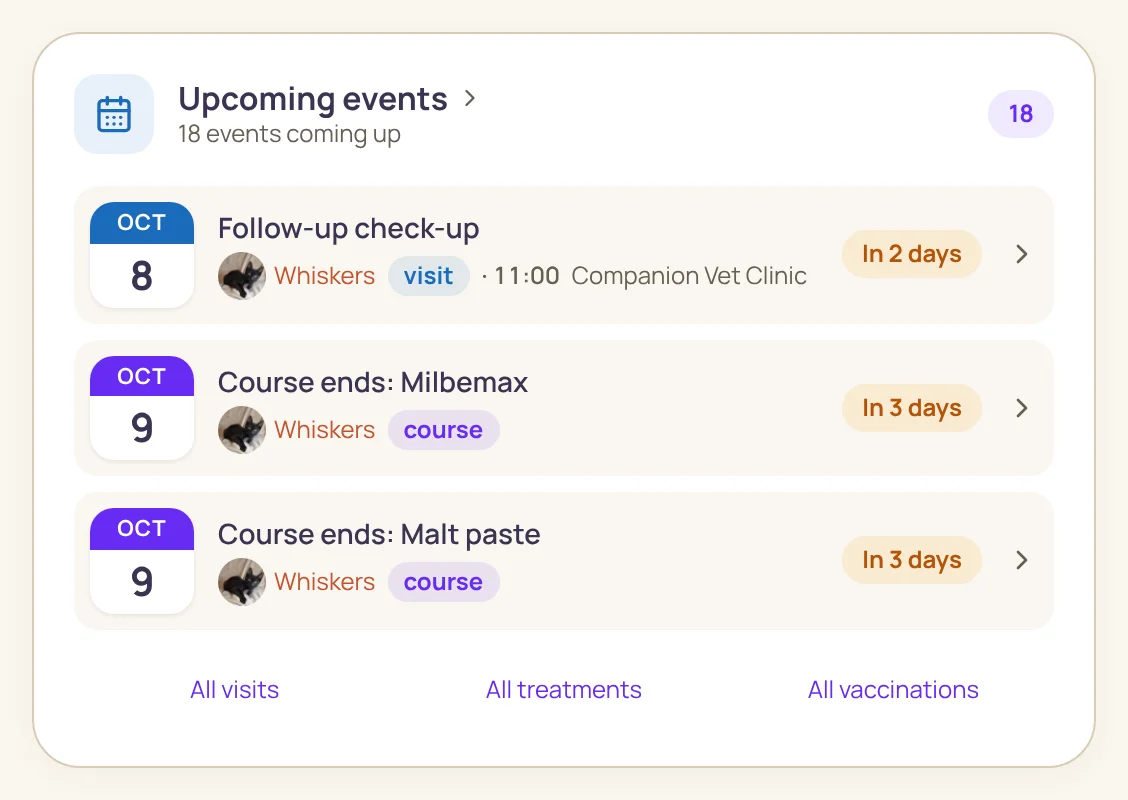
A real app window with demo data
All for them ❤️
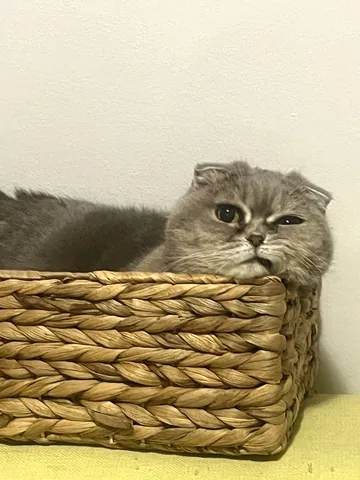 Cozy in the basket
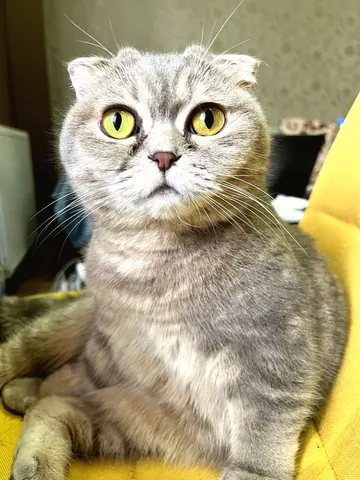 Big eyes
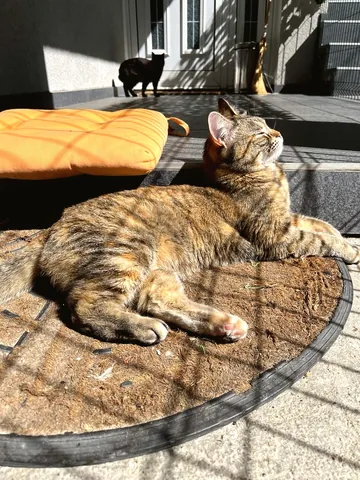 Sunbathing
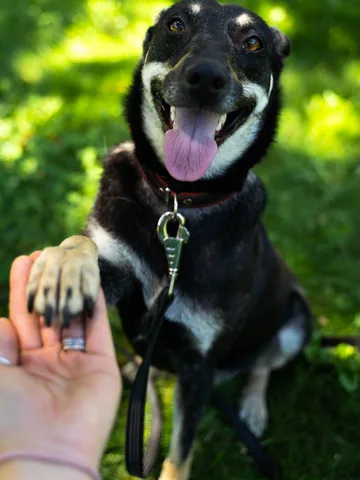 Samantha gives paw
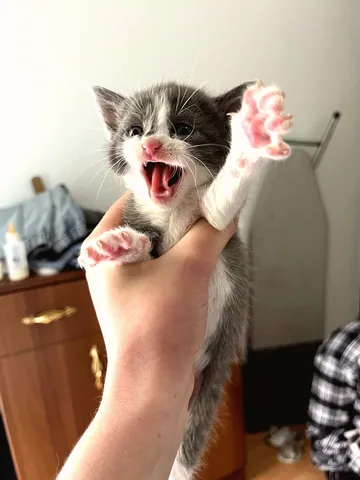 Meoooow!
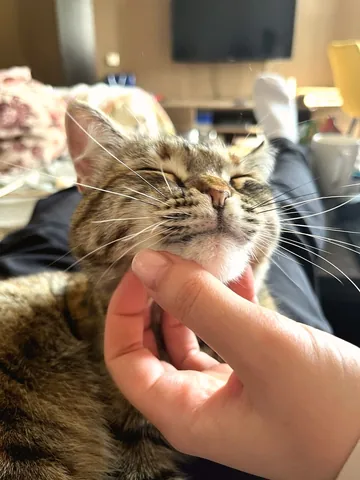 Bliss
BlissEverything a vet would ask about — already written down.
Family sharing
Invite your household — everyone sees the same history and today's checkmarks.
Show your vet
A QR code or link at the appointment — the vet sees a summary on their own screen without installing anything. Access closes by itself after an hour.
A PDF for your vet
The whole record as one document — for a new clinic, a sitter, or a second opinion.
Snap the lab report — the numbers fill in themselves.
A photo, PDF or Excel sheet from the lab. The app reads the analytes and reference ranges — all that's left is to check and save.A photo, PDF or Excel sheet from the lab. The app reads the analytes, values and reference ranges from the report — all that's left is to check and save.
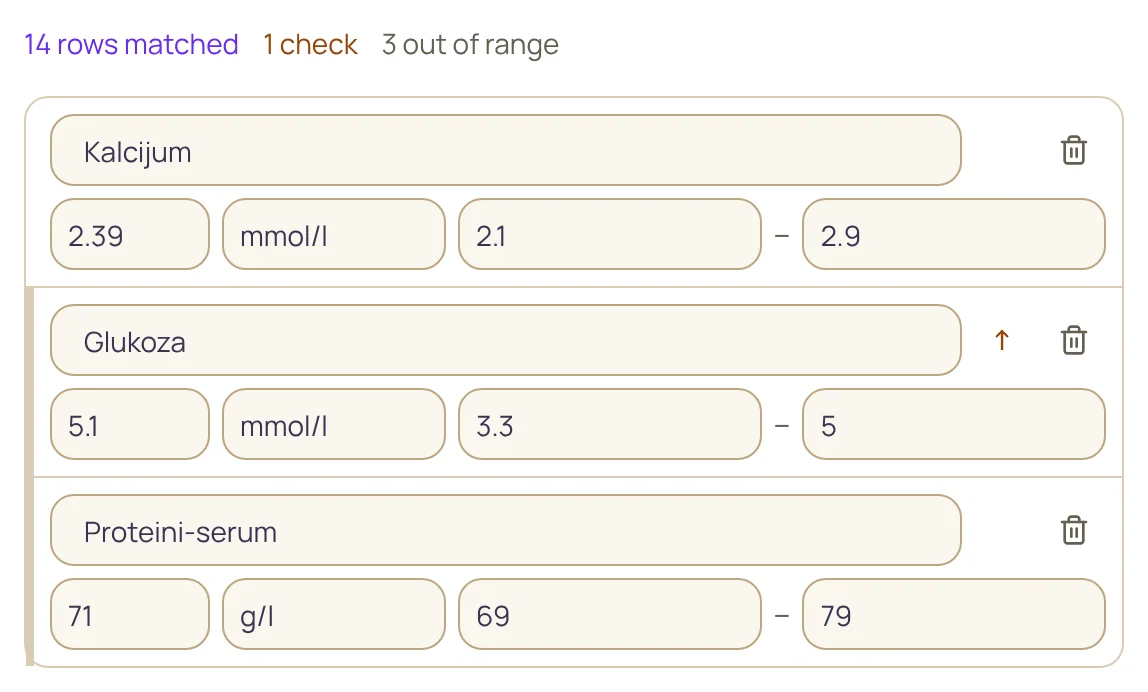
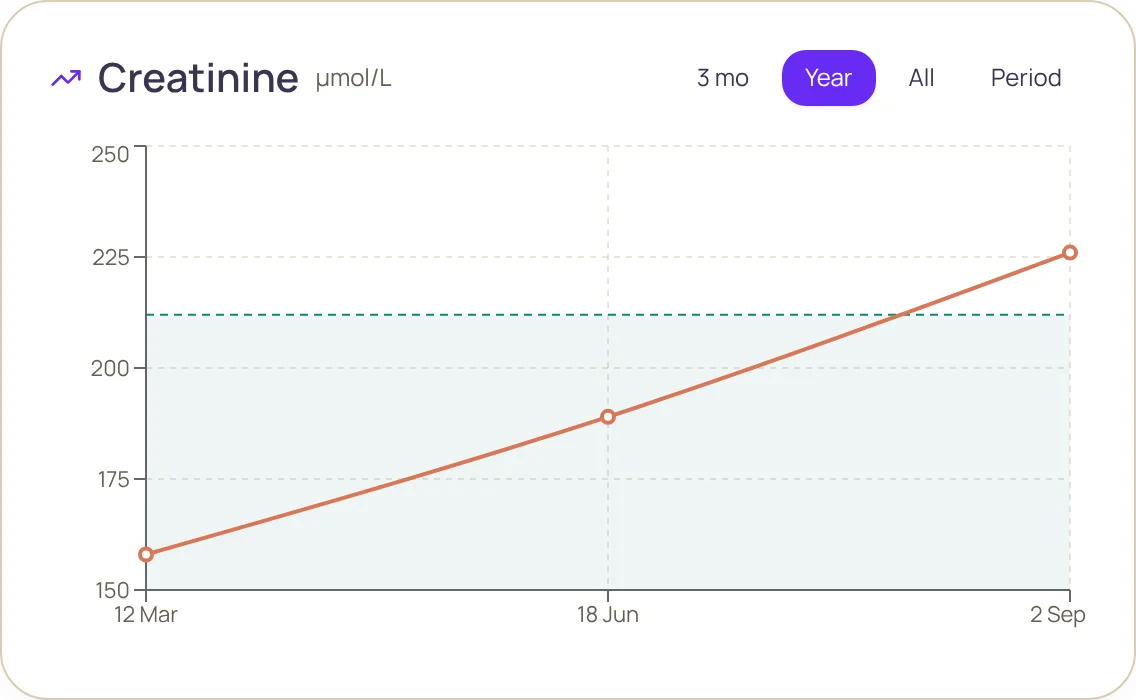
A chart for every analyte. The green band is the reference range from the report. You can see when a value leaves it.The green band is the lab's reference range from the report. You see at once when a value leaves it.
- Reads reports from different labs and in different languages.
- You have the last word — doubtful lines are flagged, and everything can be corrected before saving.
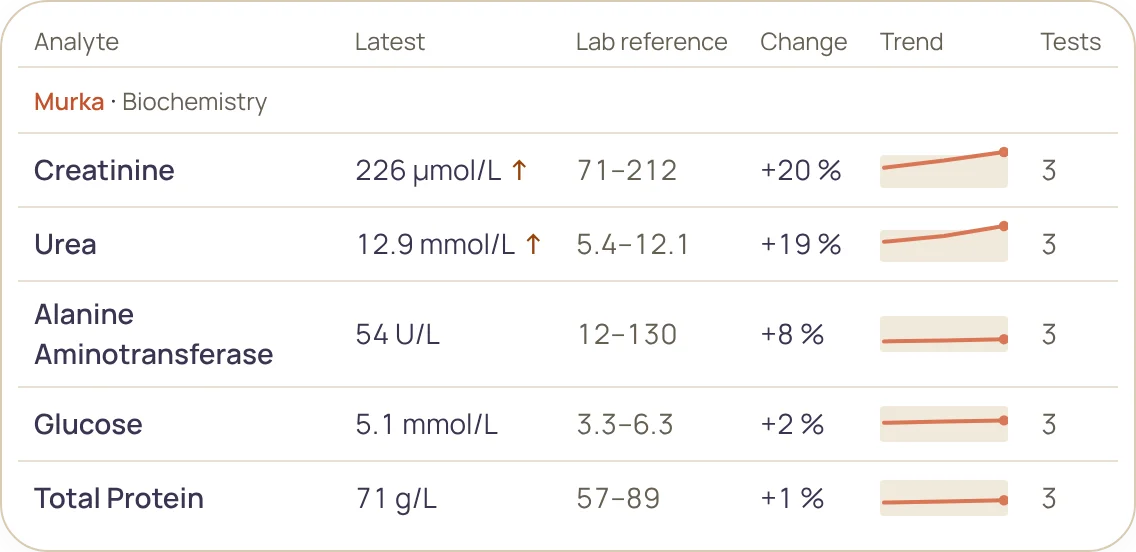
All analytes in one table. The latest value, the reference range and the change since the previous test — what the vet will ask about.
The app doesn't diagnose and doesn't replace your vet. It compares values with the reference range printed on your report. The file is sent for recognition only with your consent.
Real app windows, demo data
How it works
Add your pet
10 seconds, guest mode works without sign-up
Log events as they happen
a visit, a shot, a pill, a symptom — two taps each
See the full picture
calendar, lab charts, reminders — and a QR code or PDF for the vet
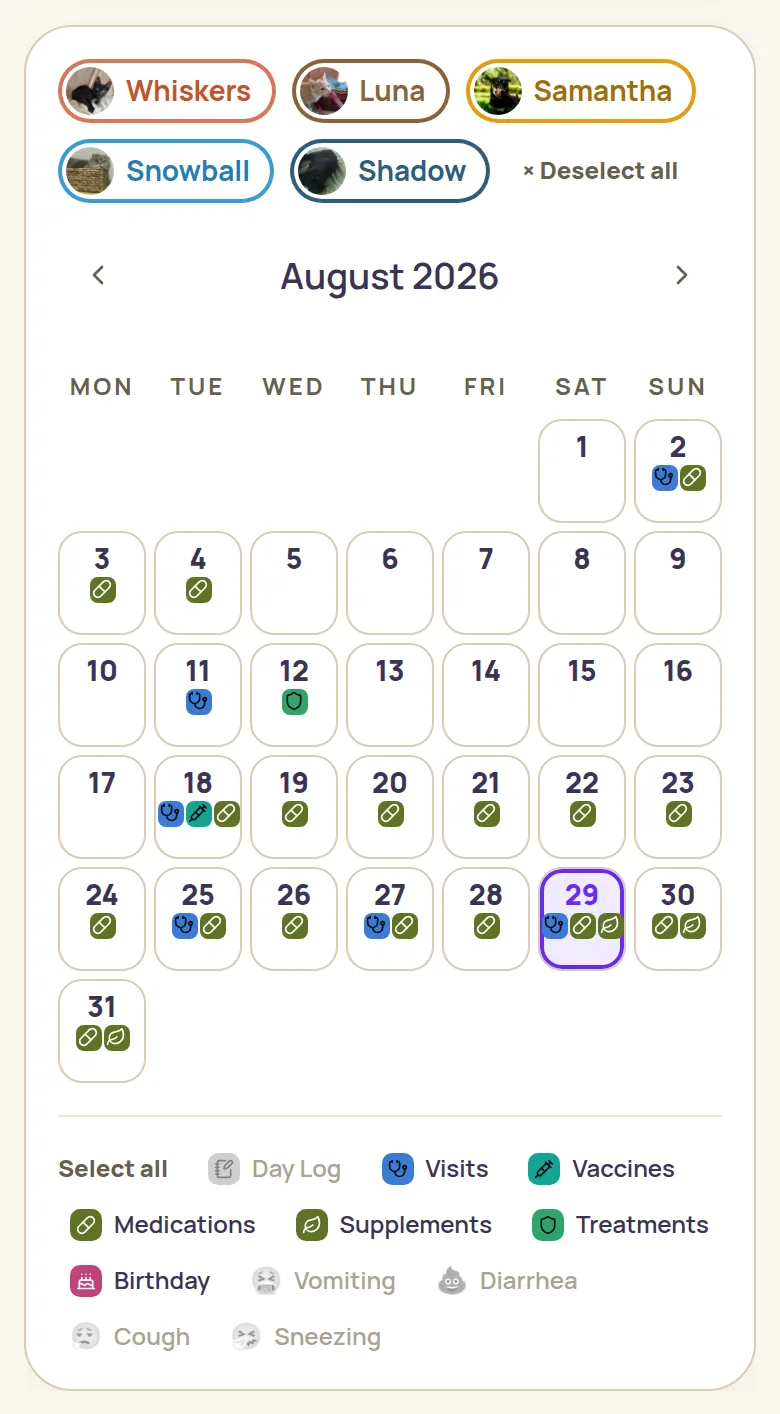
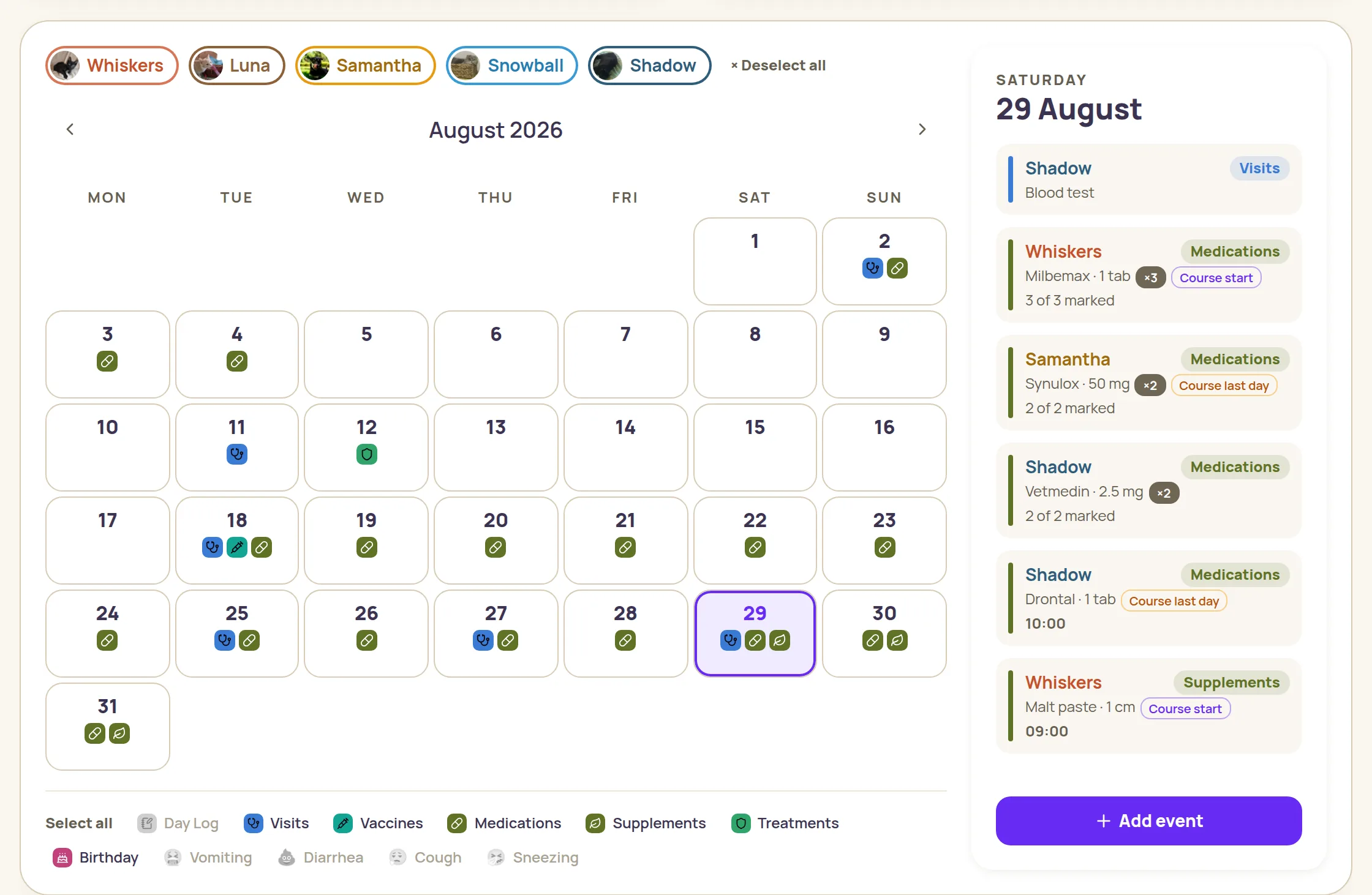
The calendar keeps itself.
Every record lands in the calendar on its own — all your pets on one screen, icons by type, filters to clear the noise. The selected day opens as a list.
The app remembers for you.
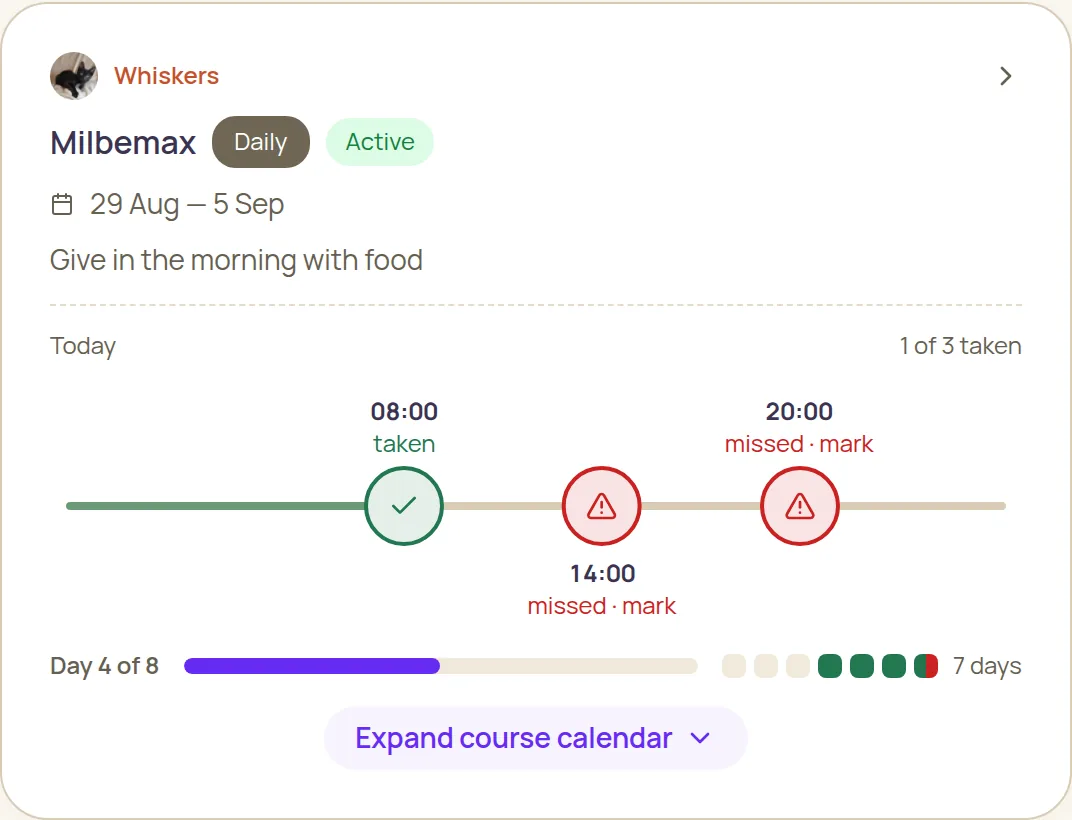
A vaccination coming due, a course ending, a missed dose — you find out without opening the app.
It notices on its own
A missed dose, symptoms more often than usual, weight going down — the warning shows up right on the Overview, first thing.
Daily email digest
Once a day, at a time you pick — a short email about what is due for your pets today and in the days ahead.
Lives in your calendar
One link — and your pets' events show up in your own calendar on every device, reminding you like any other appointment. It updates itself.

Why is it free?
Pet Tracker Space started as a personal project — I built it to keep track of my own cats' health, and shared it with other pet owners. There's no company behind it and nothing to subscribe to: I pay for the servers, and they're cheap.
Free to use. No ads. No credit card required.
Three simple steps and Pet Tracker Space is on your home screen. No app store, no downloads.
the platform is picked automatically for your device — you can always switch it